这是一个Cinema 4D与BBC的故事
By Duncan Evans
Discover how Luke Carpenter created 58 shots in just four weeks for a series of BBC 2 intros
When a series of brainstorming sessions comes up with the idea of creating a huge volume of short animations using the number 2, you need to be pretty confident that your 3D software is up to the job. The idea was to place the BBC 2 logo in numerous different scenarios, where it could be used as a branding card within edits of stock footage. Some of the setups were art related, others were funny and some more abstract. The aim was to find as much variety as possible, creating images that could work when dispersed within footage that could change on a weekly basis. The challenge was to get the production values needed within the very short timeframe.
I love modeling in Cinema 4D. I find it very simple and creative and MoGraph makes repeated geometry so easy to create.
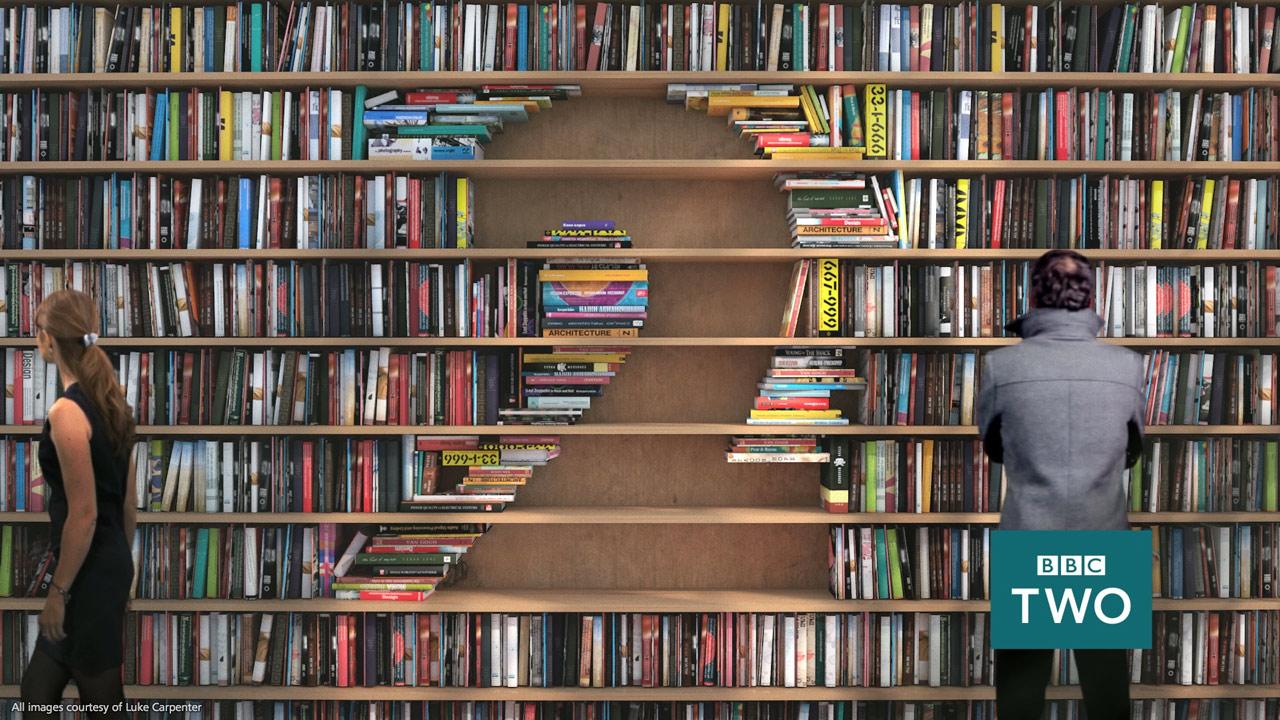
It all started with a two-week research and development period to iron out any problems and dead ends. Luke Carpenter, working in house with the BBC Creative team, brainstormed the various concepts, coming up with ideas that were practical in the time available. At the end, Luke had a list of ideas which avoided repeating things that had been done previously, but kept the same sense of humour and lightness of tone from previous intros. He conceded that the project involved a lot of work, but it was also great fun because the BBC Creative team gave him a lot of freedom. Luke found time to try out some extra shot ideas to add to the list and, to his knowledge, they were all used. He added, "I would have liked to have kept going. Once you staring thinking in this way, you see 2 animation in everything."

From a modeling point of view, the starting point was the generic 2 that was used throughout. Then there were around 20 shots that used completely new models, all of which had to be created in Cinema 4D. There's a bookcase shot that uses some off-the-shelf models for lamps and chairs as Luke didn't have time to create those. For the others it was the speed and ease of use that was key. Luke explained, "I love modeling in Cinema 4D. I find it very simple and creative and MoGraph makes repeated geometry so easy to create."
MoGraph was also used for the dynamic shots such as the vase and pyramid particle shots and to model the 2 sculpture in the gallery.
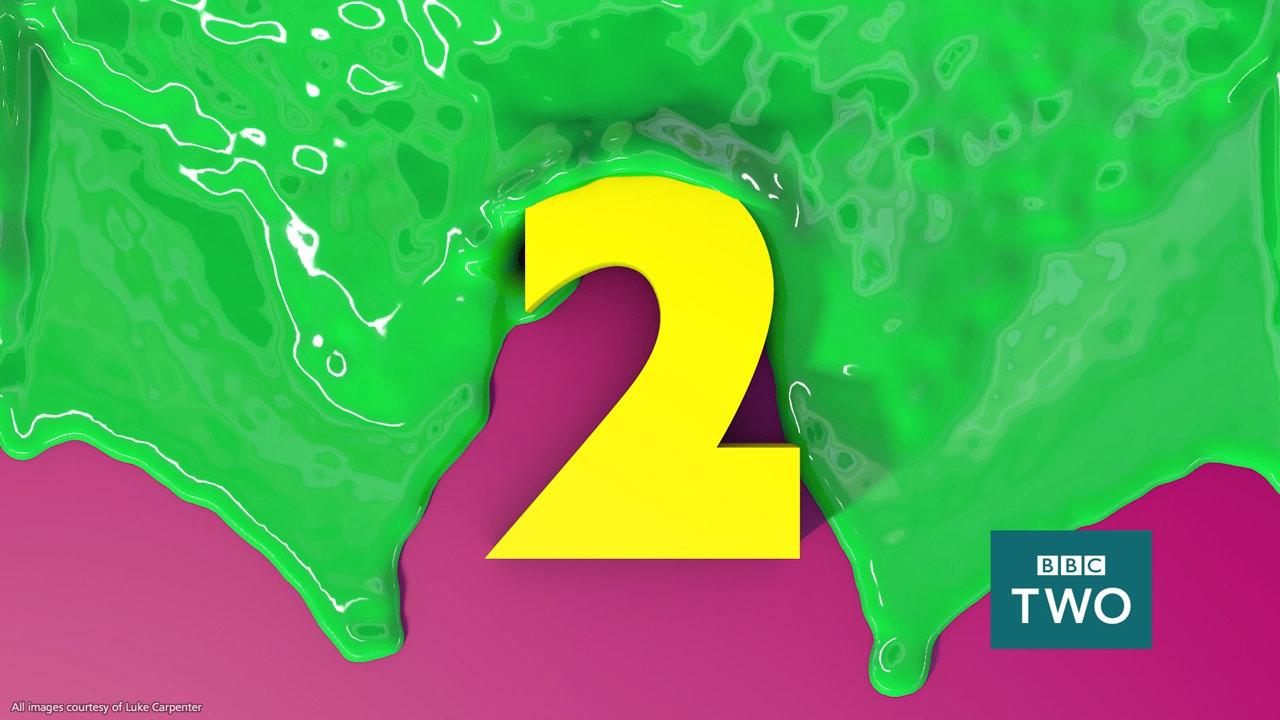
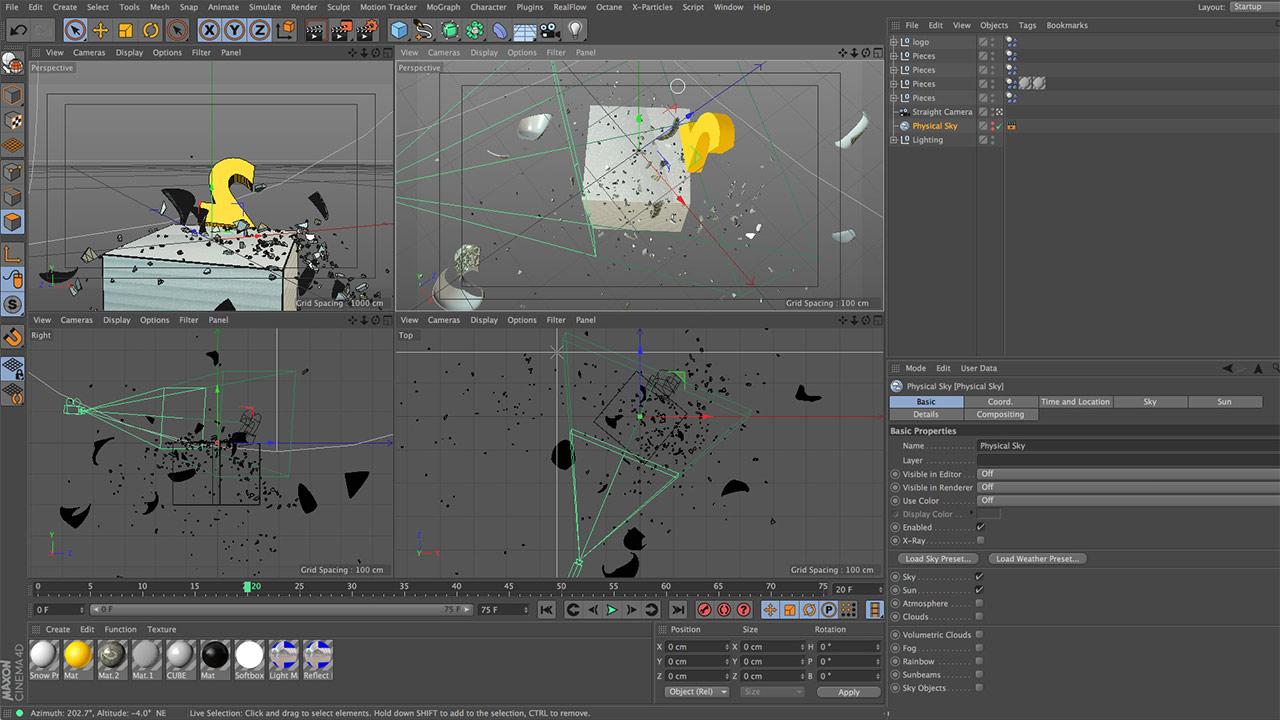
Other plug-ins were used to help create the liquid and particle effects such as on the shot with an exploding pottery vase. Luke revealed how it was done, "The paint filling and the paint pouring over the 2 used X-Particles and RealFlow respectively. The others used stock footage. The vase was lathed out in Cinema 4D, manually chopped up then dropped into a fracture object. A dynamics tag was added and one of the 2 models was placed inside then... bang! It was very simple to do. The small to medium particles were also created in this way using a simple cube. The fine particles and smoke were stock."

Many of the shots mix the CGI with live-action footage which required Cinema 4D's tracker to composite them. Fortunately, from a saving time perspective, this was easy to do. Luke explained how simple it was to use, "It just seems to work most times with very little adjusting of the settings. It's also so easy to take the nulls into After Effects, which is such a time saver."
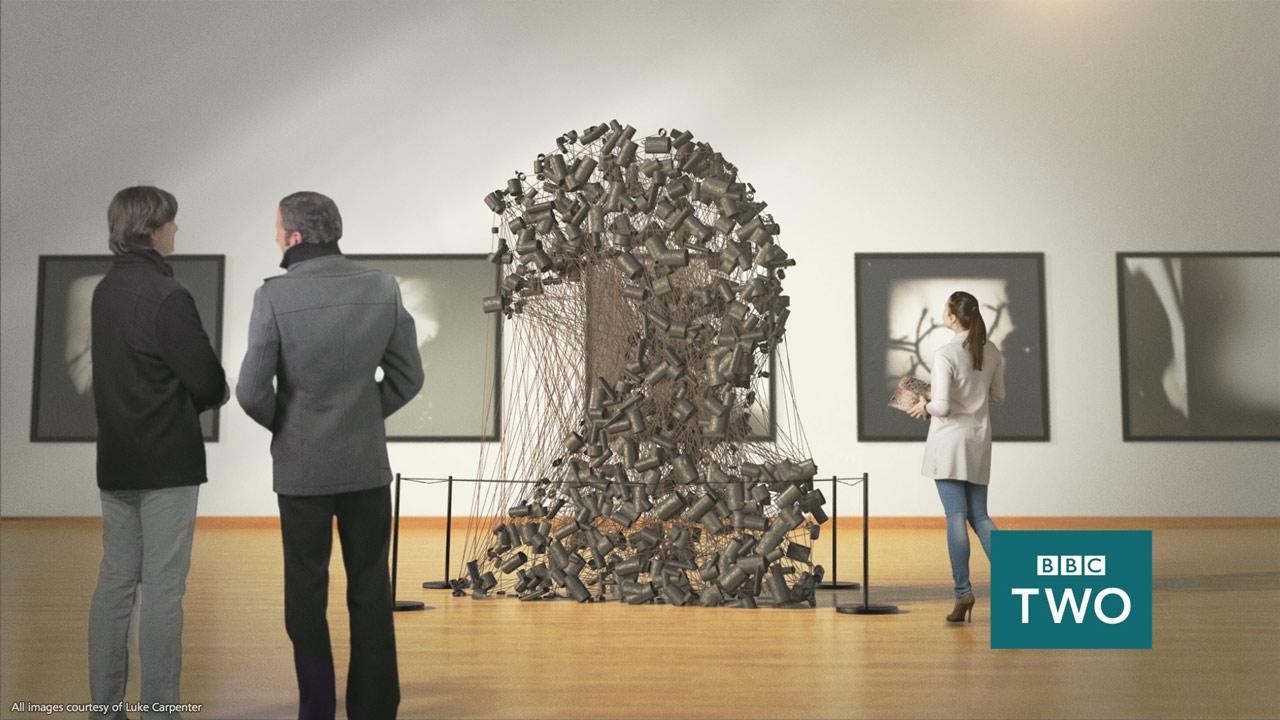
Part of what made it possible to come up with 58 shots in four weeks was the streamlined pipeline between Cinema 4D and After Effects. Luke elaborated on why it worked so well, "It works like a dream. I use the traditional export project workflow and find this the most solid way to work, especially with tracking. I render as TIFFs as they are nice and easy to compress down small when I have to archive the project for storing back at the BBC."
As pressure-packed as the schedule was, to get all the shots done, there was still time for a little fun with an unwilling extra. Luke picked up the story, "The most amusing shot to make was the snail shot. It was raining one day, and after seeing a snail outside, I decided to use the little guy as actor and give him his two seconds of fame! He was erratic and uncompromising to say the least and anyone who thinks snails move slowly is mistaken. I turned away for one moment to adjust the camera and he was out of the ice cream tub and heading for the door. He was treated to some salad from the fridge for his troubles."
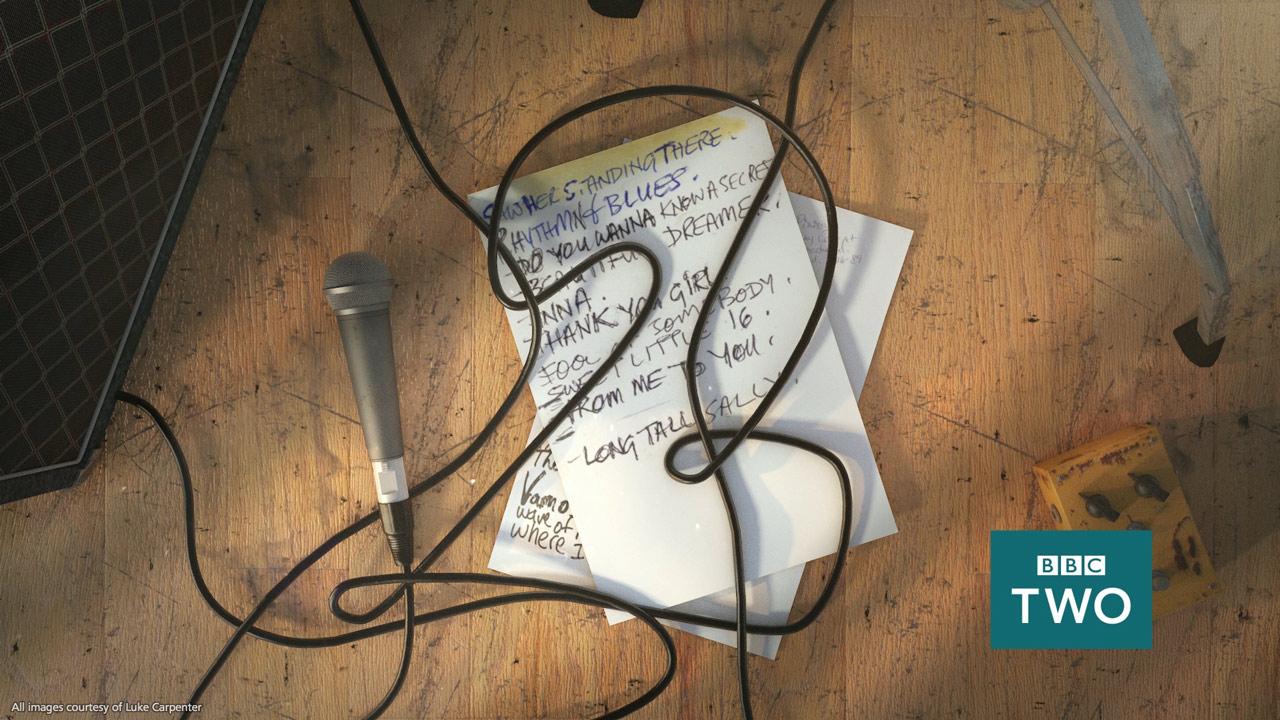
The entire set of idents runs to 50 seconds of footage which was rendered in HD on a Black Mac Pro, six core CPU with 64GB RAM. The rendering speed of the software made creating test renders to check results a painless experience. Luke summed up using Cinema 4D for the project, "I find it is the best pre-viz tool there is. It's very quick to lay out ideas and designs quickly. Like a lot of other motion designers I know, I even used it to design the extension on my flat!"
All images courtesy of Luke Carpenter
分享到